Replacing the whole computer isn’t always the sensible next step. An SSD can improve responsiveness; compatible RAM can help multitasking. We review your existing system, power supply, component compatibility and needs before recommending hardware. Graphics and CPU/platform upgrades are considered where applicable.
We investigate the cause before suggesting changes. You receive a clear explanation, options that fit your computer, and an estimate before approved work proceeds.
What we can help with
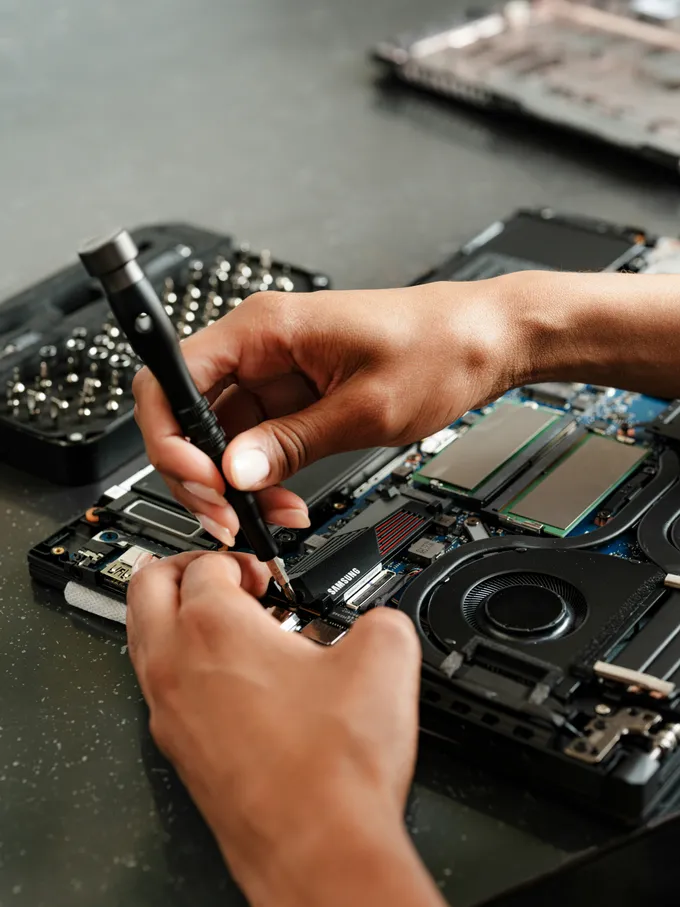
SSD and storage installation
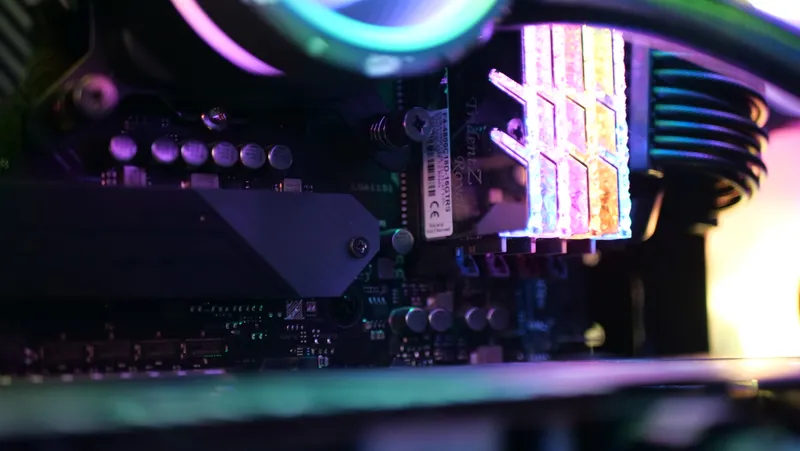
RAM and memory upgrades
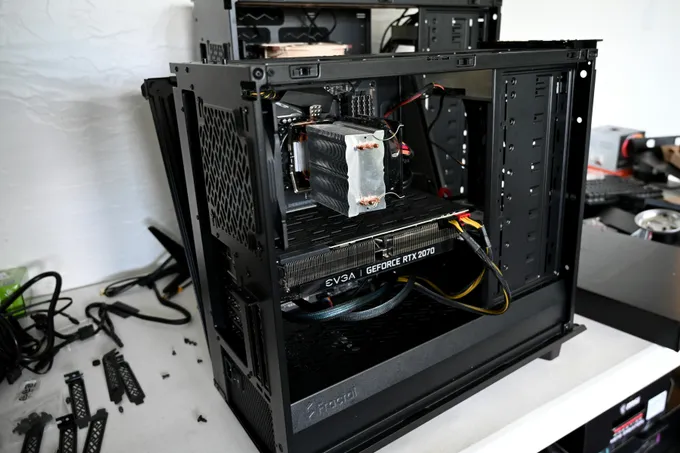
Compatible graphics card upgrades
CPU and platform options where applicable
Component installation and testing
Practical upgrade recommendations
THE REPAIR LAB
See what a better-running computer looks like.
Explore the work behind the fix. These interactive examples explain our services; they don’t scan or change your device.
It depends on the bottleneck. We check memory use, storage health and your typical tasks. A suitable SSD often helps loading; more compatible RAM helps when the system runs short of memory.
02How much does computer repair cost?+
At-home service is $100 for the visit plus $50 per hour. Typical drop-off repair labor is $50–$200, plus approved parts if needed. Start with a free phone consultation.
03Can a technician come to my home?+
Yes. We arrange home visits throughout Greater Montreal. Describe the issue and your service area by phone or text so we can discuss the work and estimate.
04Can I bring my computer to your Montreal location?+
Yes. Our address is 408 Rue de Newport, LaSalle, QC H8R 4B2, in Montreal. Call or text before coming so we can arrange your drop-off.
TONIGHTREPAIRS · Get help
Let’s get your computer back to work.
Tell us what’s going on. We’ll help you choose the next step.